QR Explained
PlaygroundThe others with no size
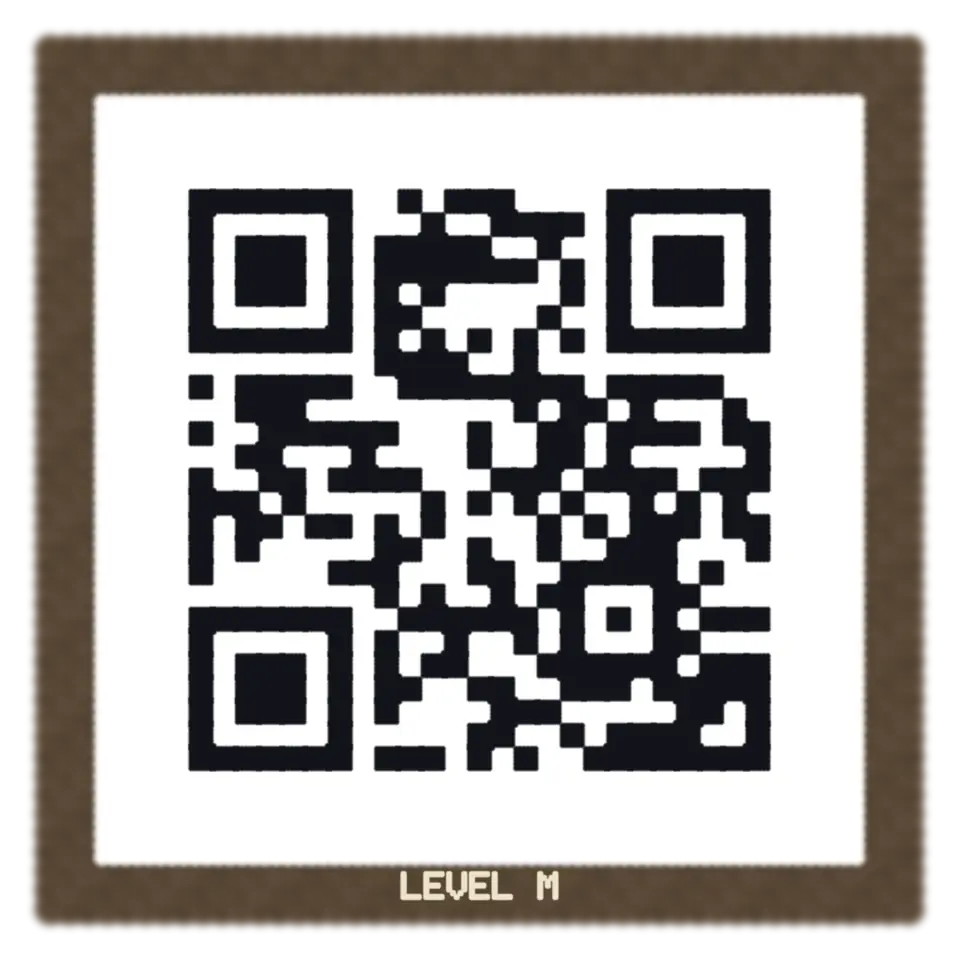
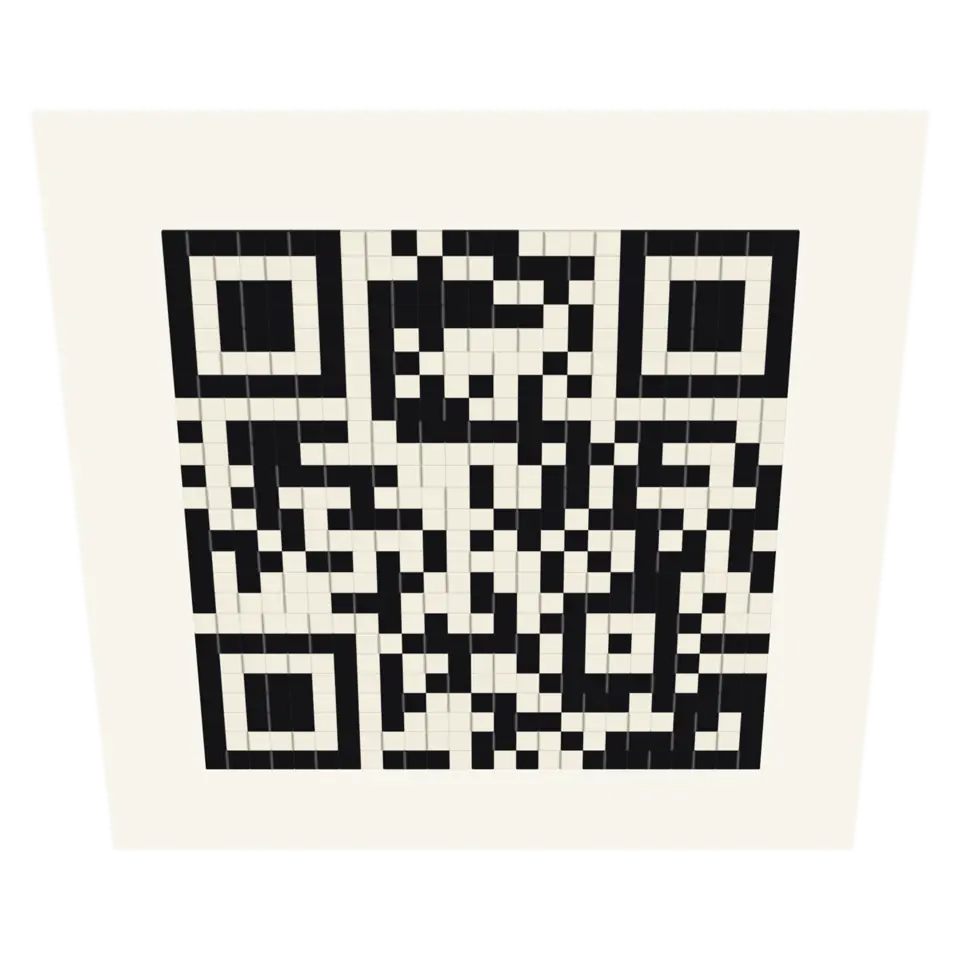
A QR code is a grid of dark and light modules with a fixed plan.
- Shelf
- Studio
- Kind
- Built from a recipe
- Your own
- QR Explained
- Sound
- Yes
- Licenses
- Apache-2.0, MIT
How to play, in the Playground
Tap to light up each part of the code, or encode your own text step by step.
Its controls
| Control | Kind | Range | Start |
|---|---|---|---|
| Next part | Tap | ||
| Light it up | Button | ||
| Place the bits | Button | ||
| Apply the mask | Button | ||
| Shape | List | 2 choices | Square |
| Pop the lit part out | Setting |
About it
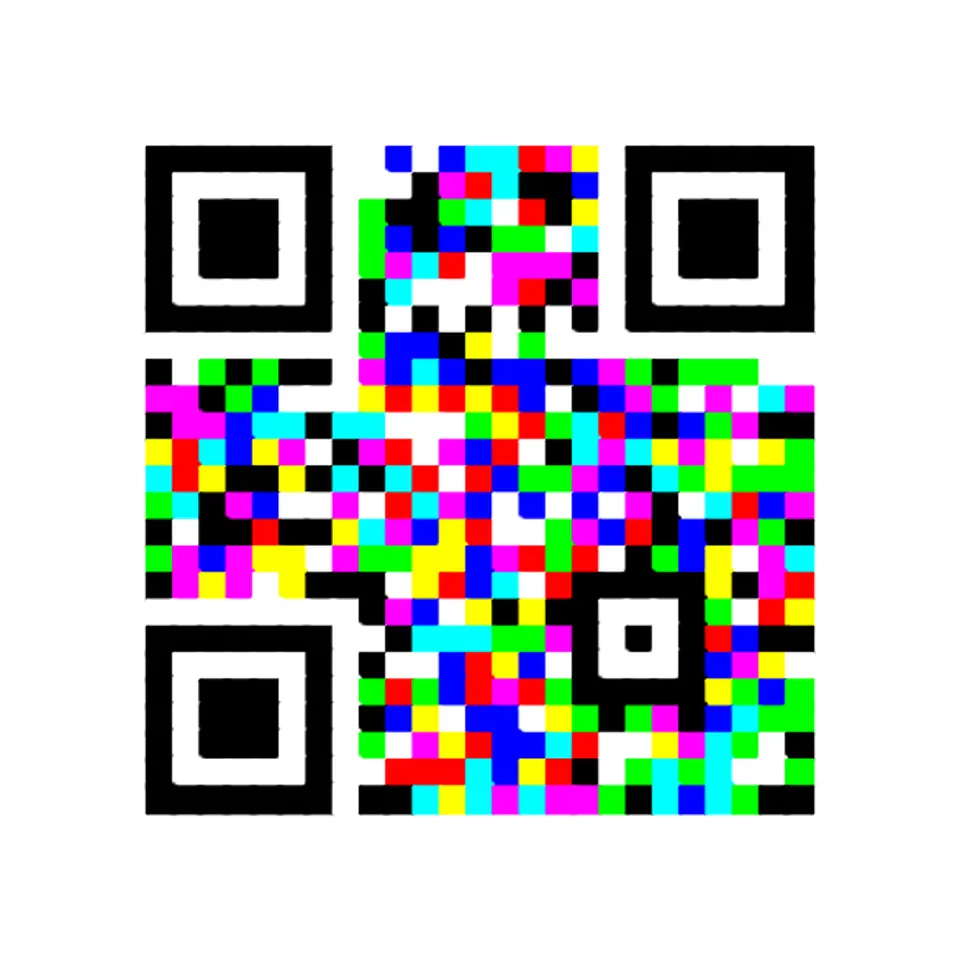
A QR code is a grid of dark and light modules with a fixed plan. Three finder patterns mark the corners, timing patterns set the grid, alignment patterns help at an angle, and the format information says the error correction level and the mask. The rest is your text in 8-bit codewords, plus Reed–Solomon codewords that can rebuild damaged ones.
Tap to light up each part. Or type your own text in the Splash tab and step through the encoding: the mode, the count, the data bits, padding, error correction, interleaving, the zigzag placement and the eight masks with their penalty scores. Each step follows ISO/IEC 18004 and is checked against another encoder.
Sources and credits
Made in Splashery. Its code is MIT.
Libraries
- Apache-2.0
- jsQR 1.4.0 (lane LSTUDIO)
- MIT
- QR Code generator library (Project Nayuki)
- MIT, Apache-2.0
- zxing-wasm 3.1.4, with zxing-cpp (copied from Splashery)